A multimodal model is one system that accepts — and in some versions produces — more than one kind of input: text, images, audio, video, per the model documentation of every major 2025-2026 frontier release, which now lists these capabilities as standard rather than special. The practical meaning for a user: you can hand the model mixed material in one prompt — a photo of a form plus a question, a screenshot of a chart plus a request to analyze, a recorded meeting plus a summary instruction — and it reasons across all of it, instead of one vision pipeline describing an image to a separate language model. The architecture converged; the interfaces followed; the failure modes quietly changed shape.
RechargeMe publishes information, not advice. The mechanics below follow vendors' published model documentation and the peer-reviewed multimodal literature as of early 2026.
What does multimodal actually mean, technically?
Two documented generations of the idea. Pipeline era: separate specialist models connected by text — a vision model captions an image, a speech model transcribes audio, a language model reads those strings. It worked, but the language model saw the image only as a caption's compression of it, losing detail the captioner didn't mention. Native era: one model trained jointly on interleaved text, images, and audio, with inputs encoded into a shared representational space — the design documented for the current frontier families, where a photograph enters the model's attention on something like the terms text does. The user-visible difference: detail and cross-reference. A native multimodal model can read a chart's axis labels while quoting the paragraph above them; a caption pipeline tells you there was a chart.
What can you actually do with it, per the docs?
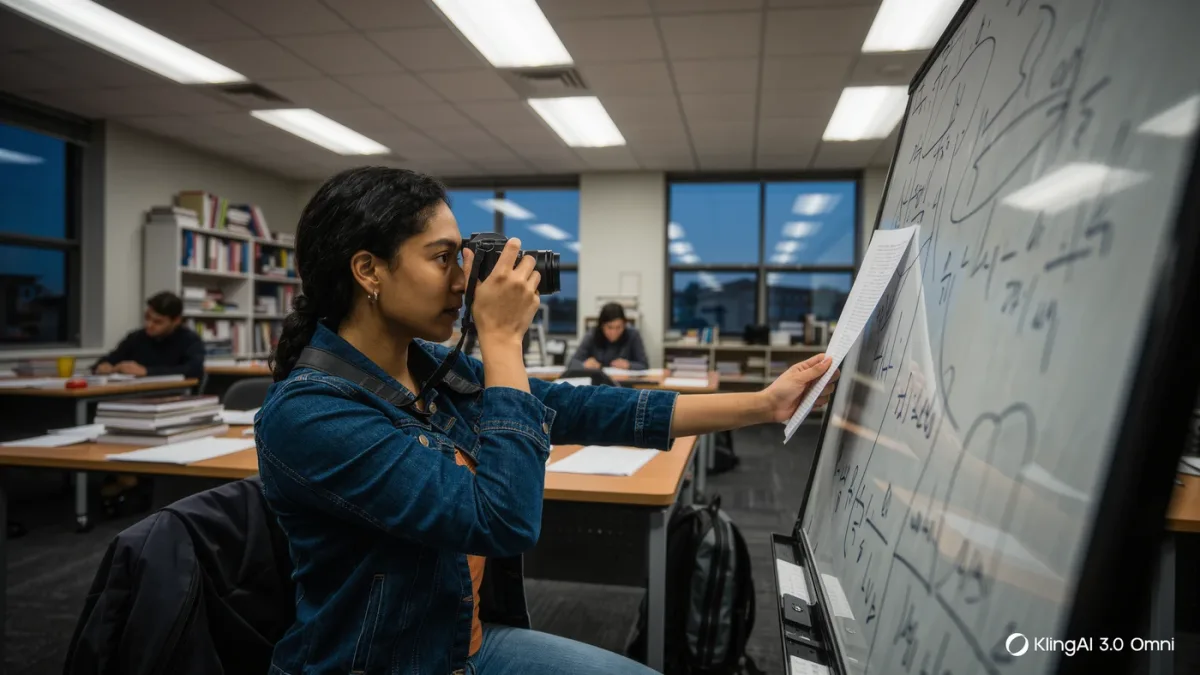
The documented input patterns cluster into four. Read: photographs of pages, whiteboards, receipts, forms — extraction and questions over the content, powered by the OCR-adjacent vision capabilities vendors document. Interpret: charts, diagrams, screenshots of interfaces — asking what a graph shows or why an error dialog appeared. Listen: audio and video input — meeting recordings, lectures, spoken questions — handled natively or via integrated speech components, per each vendor's documentation. Produce: image generation and, in some products, speech output — the generative side of the same convergence. The everyday killer combos mix modes: paste a spreadsheet screenshot and ask for the trend; photograph a broken part and ask what it is; upload the lecture recording and ask for the three claims worth checking.
| Pattern | You provide | Documented strength | Documented weakness |
|---|---|---|---|
| Read | Photo of a page or form | Extraction, questions | Small text, dense layout errors |
| Interpret | Charts, screenshots | Reading axes with context | Fine detail and nuance |
| Listen | Audio/video | Long-form comprehension | Crosstalk, names, jargon |
| Produce | Prompt | Images, speech output | Precision, fidelity to request |
What are the documented limits?
Image understanding is probabilistic, not photographic. The model-card literature and vendors' own guidance acknowledge: fine text in images misreads at small sizes; dense diagrams get partially described; counting objects is a documented weak spot — the counting failures are almost a genre of demonstration; spatial reasoning (left of, above, exactly how many) is less reliable than recognition; and video understanding compresses — long videos are processed on sampled frames, so moments between samples can vanish. The honest practice pattern: multimodal input excels at orientation and extraction-with-verification, and weakens exactly where precision and completeness matter most — the same shape as text hallucination, in a new modality.
Does multimodal change the privacy picture?
Yes, and mostly by expanding what's easy to share. Photographing a document for a chatbot is a disclosure decision people make casually because pointing a camera is casual — but the image of the whiteboard, the receipt, the medical form travels under the same data-use terms as any prompt, per vendors' policies, and images of people carry biometric-adjacent sensitivity text never had. The habit worth adopting: before uploading, the two-second check — would I paste this as text? If not, the image version doesn't change the answer, it just makes the disclosure prettier.
Where is this going, per the evidence?
The documented trajectory across 2025-2026 releases: modality breadth as table stakes — every frontier model now ships multimodal claims — and the frontier moving to agentic use of them, the screen-reading and computer-use capabilities vendors documented through 2025, where models interpret live interfaces rather than static screenshots. Each step follows the same pattern this series keeps finding: new capability, new casual-sharing risk, new verification duty. The models see and hear now; the judgment about what to show them remains, as ever, entirely yours.
FAQ
- What does multimodal AI mean? One model handling multiple input (and sometimes output) types — text, images, audio, video — natively, rather than through separate bolted-together specialist models translated by captions and transcripts.
- Can AI read text in photos reliably? Large and clear, yes; small, dense, or stylized text misreads — verify extracted numbers and names against the original, the documented weak spot of vision input.
- Can it count objects in an image? Poorly — counting and precise spatial reasoning are documented weaknesses relative to recognition; ask for identification rather than enumeration where accuracy matters.