
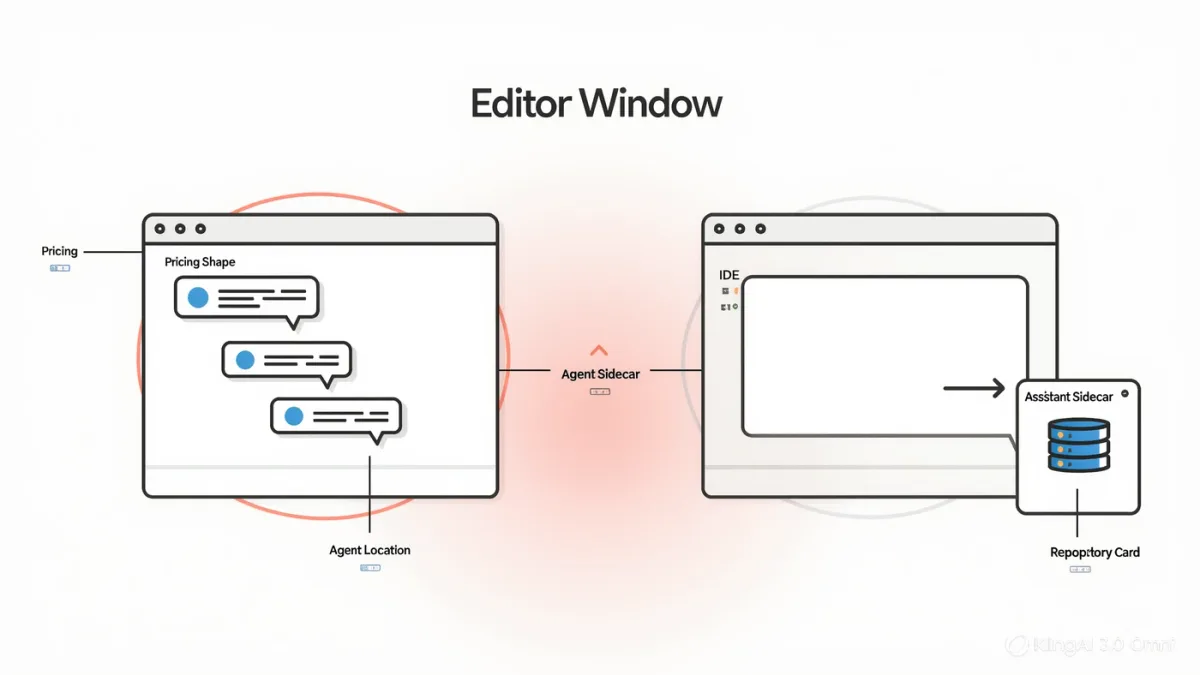
Cursor is an AI-first code editor — a fork of Visual Studio Code rebuilt around AI interactions, with chat, inline edits, and agent-mode codebase changes at its center, per its own documentation — while GitHub Copilot is an AI assistant layered into the environments developers already use: VS Code, JetBrains IDEs, GitHub itself, and now agent features in the GitHub ecosystem, per Microsoft's product pages. The choice between them is product shape, not model supremacy: Cursor bets you'll change editors for a better AI surface; Copilot bets you won't change anything. Both document subscriptions with free tiers and paid plans; both also carry the same two caveats — verify everything generated, and check what your code trains.
RechargeMe publishes information, not advice, and no testing. The comparison below is built strictly from the vendors' published documentation and pricing pages as of early 2026; both products ship features aggressively, so verify current pages.
What does each product document itself to be?
Cursor's documentation describes an editor where AI is structural: codebase-aware chat across your project, inline generation and multi-file edits driven by natural-language instructions, an agent mode that plans and applies changes with your review, and model choice among leading providers on paid tiers. Copilot's documentation describes breadth: inline completions and chat in the major IDEs, code review assistance on pull requests, a CLI assistant, and agent capabilities — an established GitHub feature by 2025 — spanning issues and workflows in the Microsoft ecosystem, with model selection documented across plans. Same underlying model families, frequently; different delivery philosophy entirely.
What are the documented feature contrasts?
Codebase context: both products document project-aware suggestions; Cursor's whole-editor framing makes codebase queries the default surface, while Copilot's context features vary by host IDE and plan. Agents: both ship agentic modes — Cursor's inside the editor, Copilot's spanning the GitHub workflow — so the contrast is where the agent lives, not whether one exists. Model choice: both document selectable models on paid tiers, from fast to frontier, with pricing structures that differ — Cursor's plans meter heavy AI usage with usage-based components beyond quotas, Copilot's plans bundle features per tier with a free option, per their pricing pages. Privacy: both document opt-outs for training on your code, and both offer enterprise no-training terms — the individual switch matters more than the vendor, and both vendors publish where it lives.
| Dimension | Cursor | GitHub Copilot |
|---|---|---|
| Shape | AI-first editor (VS Code fork) | Assistant across existing IDEs and GitHub |
| Agent mode | In-editor, multi-file edits | GitHub workflow + IDE integrations |
| Model choice | Documented, metered on paid plans | Documented by plan tier |
| Free tier | Limited trial allowance | Documented free plan |
| Best fit | Developers who'll switch editors | Developers who won't |
Which fits which developer?
The documented shapes map onto two real populations. If AI assistance is the center of your workflow — you want chat, edits, and agents in one surface, and you'll adopt a new editor to get a better one — Cursor's pitch is aimed at you, and its per-editor integration is the product. If your environment is settled — JetBrains at work, VS Code at home, GitHub for everything — Copilot meets you where you are, and its pull-request and ecosystem agents justify the subscription without changing a single tool. Team considerations push the same fork: greenfield and personal projects tolerate editor experiments; established codebases and pipelines favor the integration that touches them all.
What are the shared caveats?
Both products generate code, so both inherit generation's documented risks: plausible code with subtle errors — security-relevant ones included — and license-contaminated suggestions, the subject of ongoing research and litigation about training data that neither vendor's marketing resolves. The mitigations are identical in both products: review everything (agent output especially — a multi-file change needs reading, not skimming), test what you accept, and treat generated code as a junior collaborator's pull request. Both vendors' own documentation acknowledges review obligations, and enterprise security guidance for AI coding tools — including CISA's secure-by-design materials touching AI-generated code — points the same direction: the human owns what ships.
What about cost at team scale?
Per the pricing pages: Cursor's plans run per seat with usage metering beyond included quotas — heavy agent users should model their token appetite honestly; Copilot's tiers price per seat with features, not usage, as the differentiator, which budgets more predictably but caps some capabilities by plan. The honest procurement math: estimate your team's monthly AI-heavy hours, check each product's overage terms, and remember the switching cost is near zero in one direction — Copilot rides tools you already run — and a real editor migration in the other.
What the docs don't settle
Relative code quality: no vendor-neutral benchmark reliably separates these products — both route to overlapping model families, and productivity claims on both sites are unverified self-reporting. Long-run maintainability effects of AI-heavy workflows are an open research question the first serious studies are only beginning to answer. Trial both free tiers on your actual codebase; your code and habits will answer faster than any comparison article, this one included.
FAQ
- Is Cursor better than Copilot? Neither is better; they're shaped differently — AI-first editor versus embedded assistant. Quality of underlying models overlaps heavily; the fit depends on whether you'll change editors.
- Does my code train these tools? Both document individual opt-outs and enterprise no-training terms; check the current settings and policies — the defaults and their locations change.
- Which is cheaper for a team? Copilot prices predictably per seat by tier; Cursor meters heavy usage beyond quotas. Model your team's agent hours against each page's overage terms before committing.