Ollama is an open-source tool that packages local large-language-model running into a one-line install — download it, pull a model, chat — and it runs on ordinary hardware, with small-to-mid open-weight models operating comfortably on modern laptops per the project's own documentation, while the practical ceiling matters: consumer machines handle the small and mid tiers well (summarization, drafting, classification, Q&A), strain on the large tiers, and cannot run frontier-scale models at usable speeds at all. The honest guide is therefore a hardware-to-model mapping, plus the recognition that local and cloud are complements — the privacy and cost benefits of local for routine bulk work, the frontier capability of cloud for the hardest tasks.
RechargeMe publishes information, not advice, and no testing. Details follow Ollama's published documentation and the open-weight model releases' published requirements as of early 2026.
What is Ollama, mechanically?
A local runner for open-weight models, per its documentation: it handles downloading models from its library, managing them on disk, and serving them through a local interface and an API compatible with the major cloud APIs' style — which is the feature that makes it useful beyond tinkering, since many existing tools and scripts can point at a local Ollama server instead of a cloud endpoint with minimal changes. It supports the major open-weight families and their size variants, quantized versions — compressed weights that trade a little quality for a fraction of the memory — and hardware acceleration on Apple silicon and compatible GPUs, per the project's setup documentation.
What can your hardware actually run?
The documented arithmetic, simplified to the numbers that matter: model memory needs run roughly with parameter count — a 7-8 billion-parameter model at standard quantization wants on the order of 5-8 GB of memory; mid-tier models in the 20-35 billion range want 16-32 GB; the largest open-weight models want workstation-class memory measured in scores of gigabytes. The tiering by machine, then: a 16 GB laptop runs small models comfortably and mid models with patience; a 32-64 GB machine or a gaming GPU handles the mid tier well; the top open tier wants real hardware. Speed, not just fit, is the experience variable — small models answer briskly on modern laptops; the mid tier makes you wait; the top tier on marginal hardware is a slideshow. Within any tier, smaller and quantized variants trade quality for speed, and per the model cards' own evaluations, the small tier's quality is genuinely useful for routine text work.
| Machine | Comfortable tier | Everyday use |
|---|---|---|
| 16 GB laptop | Small (7-8B) | Summaries, drafts, classification |
| 32-64 GB / good GPU | Mid (20-35B) | Longer context, stronger reasoning |
| Workstation | Top open tier | Best local quality available |
| Anything consumer | Frontier models | No — this is what cloud is for |
What are local models good at, today?
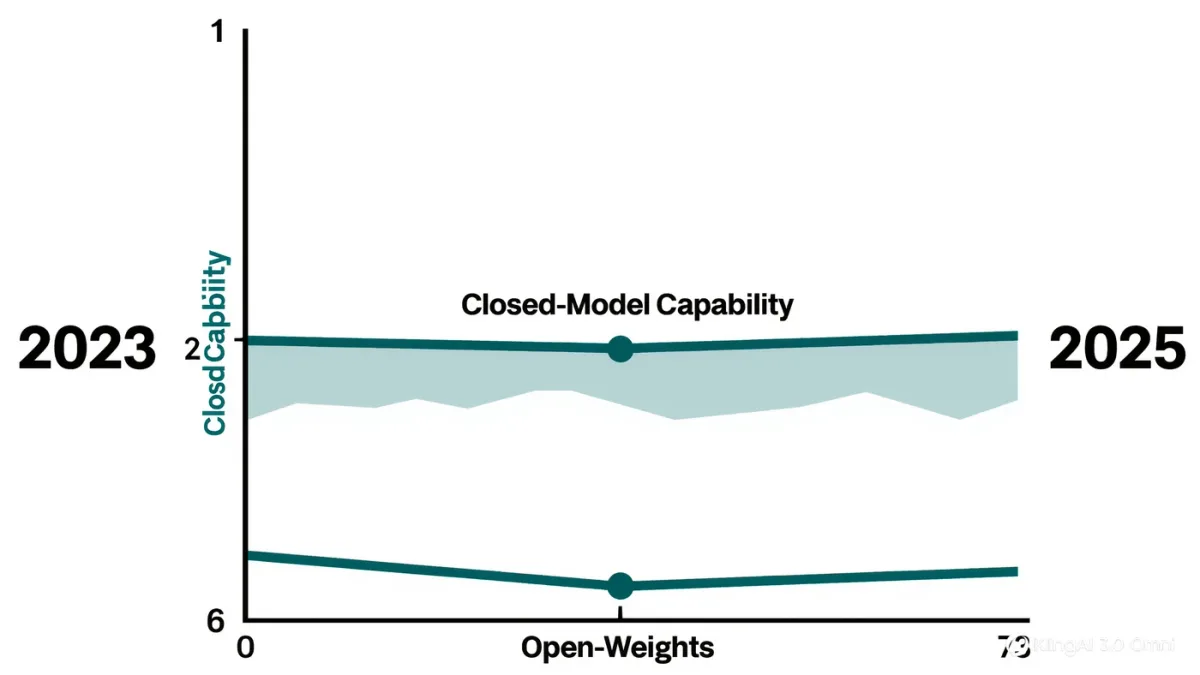
The documented strengths of the small and mid open tiers, per their published evaluations and this series' coverage of open weights: routine transformation work — summarizing, extracting, classifying, reformatting — at volume, with zero per-token cost and zero data leaving the machine; drafting and iteration where frontier polish isn't required; Q&A over your own documents when paired with the RAG tooling covered earlier, keeping private material entirely local. The honest weaknesses: frontier-level reasoning, long-context precision, and the newest multimodal capabilities arrive in cloud-first releases first; small models hallucinate with the same confidence as large ones, sometimes more; and the newest model generations appear in open form months after their closed counterparts, per the open-versus-closed gap this series tracks.
How do you actually start?
The documented path: install from the project's site, pull a small model from its library by name, and chat or hit the local API — an evening's first experiment, not a project. The professional habits to bring from the start: pin model versions in anything you rely on — local means control, and control means deciding when to update; keep a test pack for recurring uses, the version-control-for-prompts discipline applied to models themselves, since pulling a new model version changes behavior identically to a vendor's silent cloud update, except here you chose it; and mind the disk — models are multi-gigabyte objects and a library accumulates.
What are the trade-offs nobody mentions?
Three honest ones. Electricity and battery: local inference is compute, and laptops on battery pay for it in runtime — plugging in is part of the workflow. Maintenance: you own the stack — updates, model choices, troubleshooting — the operational burden documented as the cost side of self-hosting's control. And quality auditing: with no vendor's model card trumpeting improvements, the discipline of noticing when a local model's output quality shifts is yours alone — the same drift-detection habit as prompts, aimed at the model. None of these argue against local; they're the actual price of the privacy and flat cost, listed so the decision is made with both columns filled.
FAQ
- Can my laptop run a local LLM? If it has 16 GB of memory, yes — small open-weight models (7-8B parameters) run comfortably and usefully; 32 GB or a GPU opens the mid tier. Frontier-scale models need cloud or serious hardware.
- Is Ollama free? Yes — open-source software, free models from its library; the costs are hardware, electricity, and your own maintenance time.
- Are local models as good as ChatGPT-class tools? For routine summarizing, drafting, and extraction, the small and mid tiers are genuinely useful; for frontier reasoning and newest capabilities, cloud models lead — most serious users run both, routing by task.