A second brain that survives AI is built on three documented practices — capture everything in one inbox, distill notes into your own words, and cite the source of every claim — with the AI layer allowed to retrieve, connect, and draft, but never to author unsourced facts into your knowledge base. The failure it prevents is quiet rot: within a year, an AI-queried notebook full of pasted articles and model summaries becomes a swamp where nobody can tell what you concluded, what a source said, and what a language model invented along the way. The fix is one metadata habit, applied at capture, and it is the difference between a knowledge base and a landfill.
RechargeMe publishes information, not advice, and no product testing. The workflow below uses documented features of note apps with AI assistants — Notion, Obsidian with plug-ins, and rivals — described per their vendors' pages as of early 2026.
What does the AI in a note app actually do?
Per vendor documentation, two mechanisms. Retrieval: the assistant searches your notes and answers questions with citations to the pages it used — the same source-grounded design as dedicated document tools. Generation: drafting summaries, outlines, and rewrites inside your pages. Retrieval is the reliable half; generation is where the standard language-model limits apply — fluent text, occasional fabrication, confident paraphrase that drifts from the source. A second brain that uses only the first mechanism is already valuable; one that lets the second write unsourced content is building its own misinformation problem.
What are the three practices, concretely?
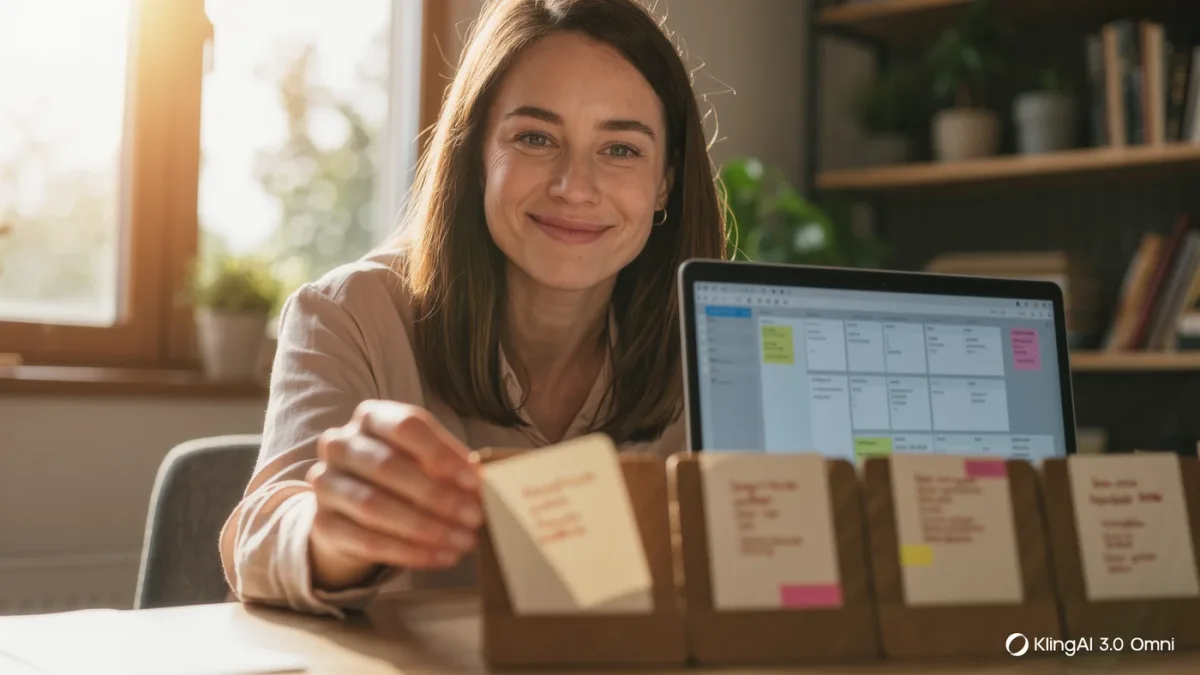
Capture: everything arrives in one inbox — highlights, links, voice memos via transcription, meeting snippets — unprocessed, one item per note. Distill: on a schedule, rewrite what matters in your own words, because the documented finding from note-taking research on learning is unambiguous — summarization is where understanding happens; pasted text is inert cargo. Cite: every claim in a distilled note carries a link or reference to its origin — the article, the meeting date, the person, the dataset. In practice this is a template: a source line at the top of each note, filled in at capture. Ten seconds each; the entire integrity of the system.
How does AI help without corrupting the base?
Four safe jobs. Retrieval with citations — "what have I saved about churn pricing?" — where you click the cited notes, not the summary. Connection — asking the assistant for related notes on a topic, which surfaces things you forgot you had; you verify adjacency by opening them, and this is the feature that makes old notes pay rent. Drafting structure — outlines and skeletons that you fill, where the AI arranges your distilled notes rather than asserting facts. And cleanup — formatting, tagging suggestions, deduplication candidates. The bright line runs between these and "write me a summary of my knowledge on X and file it": generated summaries can enter the base only as clearly-labeled drafts in the inbox, never as distilled notes with sources they don't have.
| AI job | Safe? | Rule |
|---|---|---|
| Retrieve with citations | Yes | Open the cited note, not the summary |
| Find related notes | Yes | Verify by opening |
| Draft outlines from your notes | Yes | You fill and check facts |
| Cleanup, tags, duplicates | Yes | Review suggested changes |
| Author new "knowledge" notes | No | Drafts in inbox only, labeled |
What about privacy terms for the AI layer?
The same question as every AI feature, with higher stakes: the note app holds your working mind. Vendors' published terms differ — some train on consumer content by default with opt-outs, business tiers restrict use, and self-hosted options (documented for tools like Obsidian, where plug-ins and local models keep everything on-device) remove the vendor from the loop entirely at the cost of convenience. The decision rule: match the deployment to the sensitivity of what you actually store, and re-read the terms when the vendor ships a new AI feature, because the feature will default to on. For consumer-data context, the US Federal Trade Commission's guidance on data practices is the sensible external reference.
Why do second brains fail, really?
Documented failure modes, in order of frequency: capture without distill — the swamp, full of other people's words you'll never reread; distill without capture discipline — three notes a week can't compound; and now the AI-accelerated version — letting the assistant generate "summaries of everything" until the base is majority machine text and retrieval returns confident noise. The countermeasure is the boring calendar slot: a weekly distill session where the inbox empties into sourced, self-written notes. The system's value compounds from that session; the AI features are leverage on it, not substitutes for it.
FAQ
- Do I need Notion or Obsidian specifically? No — any note app with search and, optionally, an AI assistant implements the pattern; the three practices are the system, the app is furniture.
- Is it safe to let the app's AI read my notes? Depends on the vendor's current terms — consumer defaults, business tiers, and self-hosted options differ; match the deployment to your notes' sensitivity.
- What's the minimum viable habit? Source line at capture, weekly distill in your own words, AI for retrieval and connections only — everything else is optimization.