Authenticator apps beat SMS codes for one documented reason — the code generated on your device cannot be intercepted by SIM-swap fraud, in which an attacker moves your phone number to their SIM and receives your texts, a scam the US Federal Trade Commission has warned consumers about repeatedly — while SMS still beats having no second factor at all, which is why the practical hierarchy recommended across security-agency guidance is: passkeys or hardware keys first, authenticator apps second, SMS last, and never voice-call codes where avoidable. The upgrade takes ten minutes and closes one of the most actively exploited doors in consumer account security.
RechargeMe publishes information, not security advice for your specific accounts. The comparison below follows public guidance from consumer-protection and cybersecurity authorities, including the FTC's SIM-swap warnings and national agency guidance on multi-factor authentication.
How do the two methods technically differ?
SMS codes are sent to your phone number — which means the secret travels through the cellular network, to a number controlled by whoever convinces your carrier they are you. Authenticator apps — Google Authenticator, Microsoft Authenticator, Authy, and the built-in code generators in iOS and Android password managers — generate time-based one-time passwords (TOTP) on the device itself, synchronized by a shared seed established at setup. Nothing is transmitted at login; the app's rotating six digits are computed locally, and the site checks them against its own clock. The attack surface shifts from an entire telecom infrastructure to the physical security of your phone — a much smaller door.
What is SIM swapping, really?
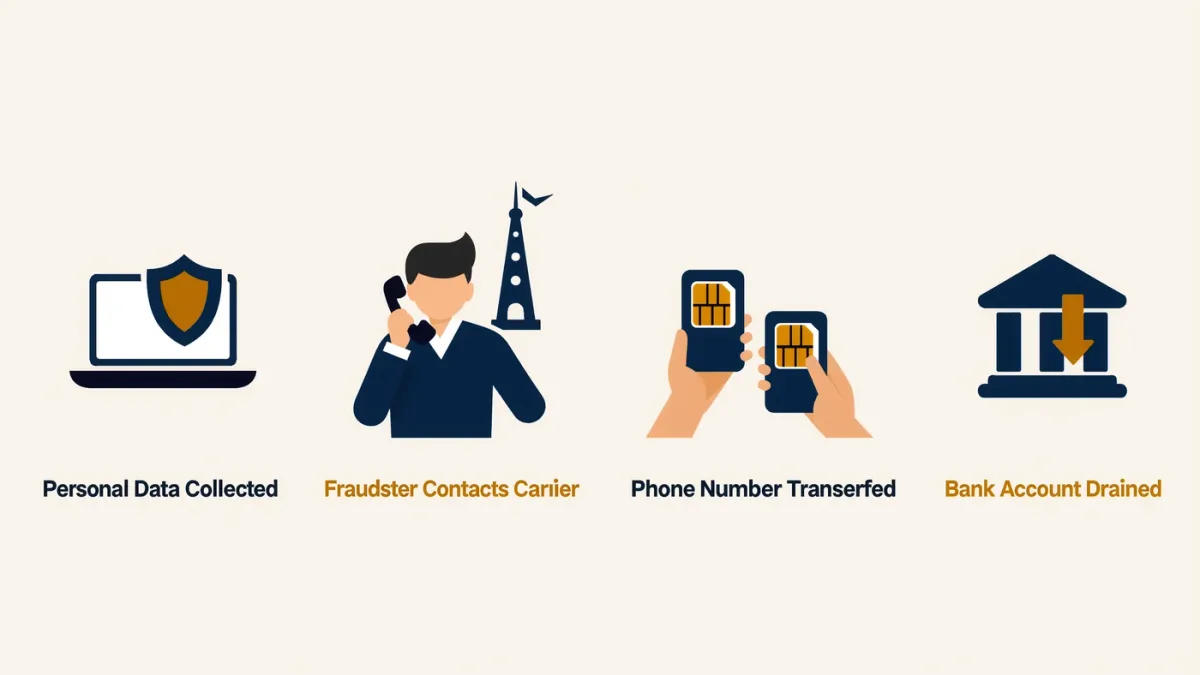
A social-engineering attack on your carrier, not your phone: the attacker collects enough of your personal information — name, address, birthdate, often gleaned from breaches — then contacts the carrier, poses as you reporting a lost phone, and asks for the number to be moved to a new SIM. From that moment your number rings on their device: their SMS codes, your password resets, and often a cascade through every account that treats the phone number as identity. The FTC's consumer alerts describe exactly this pattern, and the FBI's Internet Crime Complaint Center has tracked large reported losses from SIM-swap incidents year over year. It is not rare, and it is not sophisticated; it is a phone call.
What do authenticator apps cost you?
The main real cost is recovery. An authenticator's codes live on the device (or sync through an ecosystem account, depending on the app's documented design), so losing the phone means re-enrolling every account — which each service handles through its own recovery process, from graceful to grueling. Mitigations are documented and boring: choose an app with encrypted cloud backup and multi-device support if you prefer convenience, print and store the per-account recovery codes every service offers at setup, and for the most valuable accounts, use a hardware security key that survives phones entirely. The second cost is the switching tax: moving between authenticator apps means re-enrolling each account, because seeds don't transfer — worth knowing before picking an app you may not love.
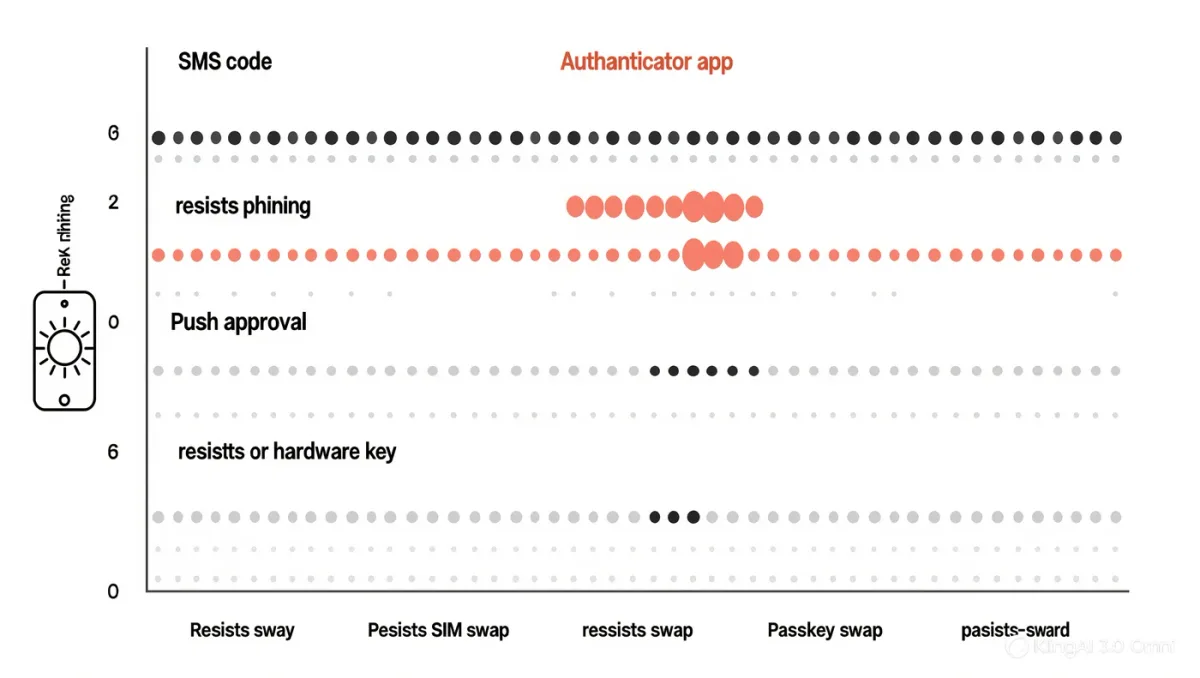
| Method | Defeats phishing | Defeats SIM swap | Main weakness |
|---|---|---|---|
| SMS code | No | No | Carrier portability attack |
| Authenticator app | No | Yes | Device loss; switching tax |
| Push-based app approval | Partly | Yes | Fatigue attacks — repeated prompts |
| Passkey / hardware key | Yes | Yes | Cost, recovery process |
What about push approvals and fatigue attacks?
Many authenticator apps also offer push approval — "tap to approve" instead of typing a code. Convenient, and it introduced a new documented attack: prompt fatigue, where an attacker with your password spams approvals at 2 a.m. until you tap yes to make it stop. Mitigations appear in vendor documentation: number matching, which requires typing a number shown on the login screen into the phone, kills rote approval; Microsoft has documented large reductions in fatigue-attack success after making number matching standard. If your app offers it, enable it.
How do you actually migrate?
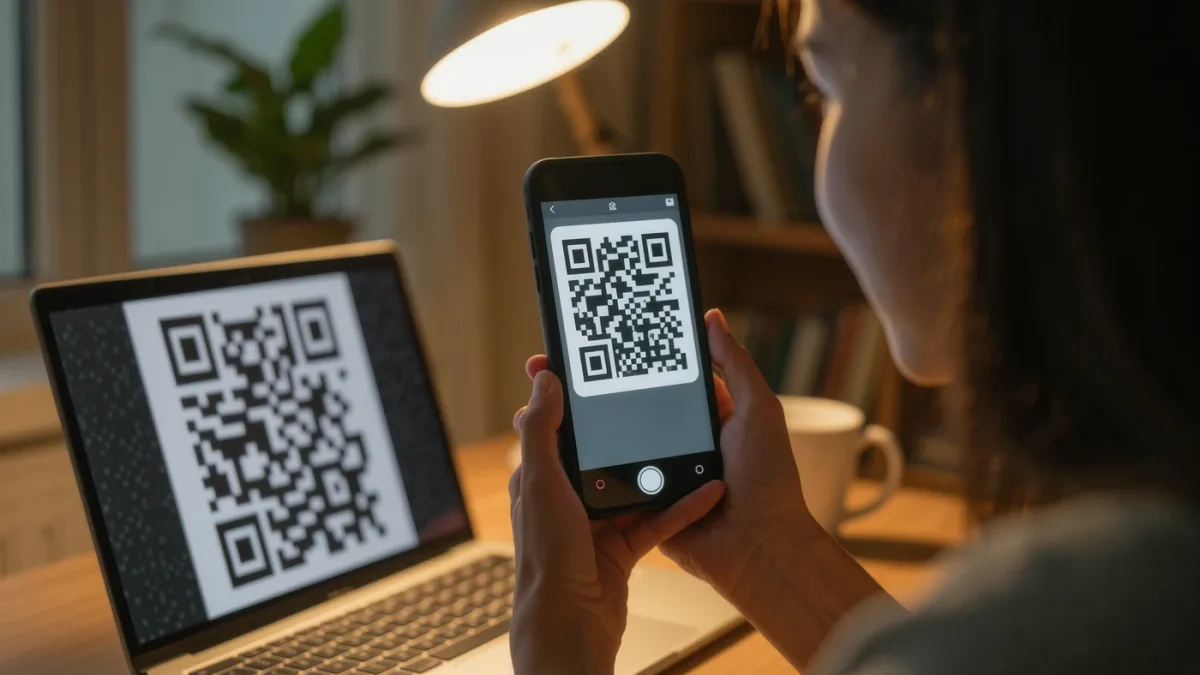
Ten-minute project, account by account. For each important account: security settings, add authenticator-app factor, scan the shown QR code, enter a generated code to confirm, save the displayed recovery codes to your password manager or printed emergency sheet, and only then remove SMS as a factor — keeping it as fallback is acceptable for middling accounts, and for the crown jewels (email, banking, password manager itself) the endgame is a passkey or hardware key with the recovery path tested in advance, per the same agency guidance that ranks phishing-resistant methods first.
FAQ
- Is SMS two-factor worthless? No — it meaningfully beats password-only against bulk credential attacks. Its documented weakness is targeted SIM-swap fraud, which authenticator apps eliminate.
- What if I lose my phone with the authenticator? You use each service's recovery flow with the recovery codes saved at setup — which is why saving them, not installing the app, is the step that matters most.
- Which accounts should I upgrade first? Email first (it resets everything else), then banking, then your password manager's own vault; those three cover most of the real damage.