A password manager stores all your credentials in one encrypted vault unlocked by a single master password — every site gets a long unique generated password, and you memorize exactly one — and this architecture is why security agencies including CISA, in its public guidance on secure account practices, recommend password managers as core hygiene: uniqueness defeats credential-stuffing attacks, where attackers replay username-password pairs from one breach against every other site. The feature nobody markets but everyone should plan for is lockout: lose the master password and, by design, nobody can recover the vault. The tool's security rests on that unrecoverability; so does your worst day.
RechargeMe publishes information, not security advice for your specific setup. Mechanics below follow vendors' published security documentation and public agency guidance.
How does the vault actually stay safe?
Zero-knowledge encryption, as documented by the major password-manager vendors: your master password never leaves your device; it derives an encryption key locally, and only the encrypted vault — unreadable without that key — syncs to the vendor's servers. The company stores a blob it cannot read; a breach of their servers yields ciphertext. The master password, therefore, is the entire security boundary: long and unique, never reused, never written anywhere digital. The documented corollary is what vendors state plainly in their security whitepapers — account recovery through the vendor is impossible by design, because they never had the key.
Why does uniqueness matter more than complexity?
Because of how accounts actually fall. Reuse means one breached site arms attackers against every other site with the same pair — the credential-stuffing pattern documented extensively by security firms and tracked by breach-notification services. A 20-character generated password stored once defeats both replay and guessing, and the manager removes the memorization burden that drove reuse in the first place. Complexity rules for passwords you must remember — the master password above all — favor length over symbol soup: a five-word passphrase is both stronger against guessing and more typeable than a shorter tangle, a point password researchers have made for years.
What should you look for in a manager?
Per vendor documentation and independent security-review practices: zero-knowledge architecture with a published security whitepaper; a history of independent third-party audits; end-to-end encrypted sync across your devices; and practical features — browser integration, phone autofill, secure notes, breach monitoring that alerts when a stored site appears in a known breach dump. The built-in options from Apple, Google, and Microsoft deliver the core vault-and-autofill experience at zero cost and zero setup friction, per their feature documentation; dedicated third-party managers add cross-platform independence from any single ecosystem, sharing features for families, and fuller export options. Either class satisfies agency guidance; the worst manager is the one you don't use.
| Need | Documented fit | Trade-off |
|---|---|---|
| Simplest start | OS built-in manager | Tied to one ecosystem |
| Cross-platform independence | Third-party manager | Another vendor to trust |
| Family sharing | Manager with shared vaults | Recovery planning ×N |
| High-value accounts | Manager + passkeys or hardware keys | Slightly more ceremony |
How do you survive losing the master password?
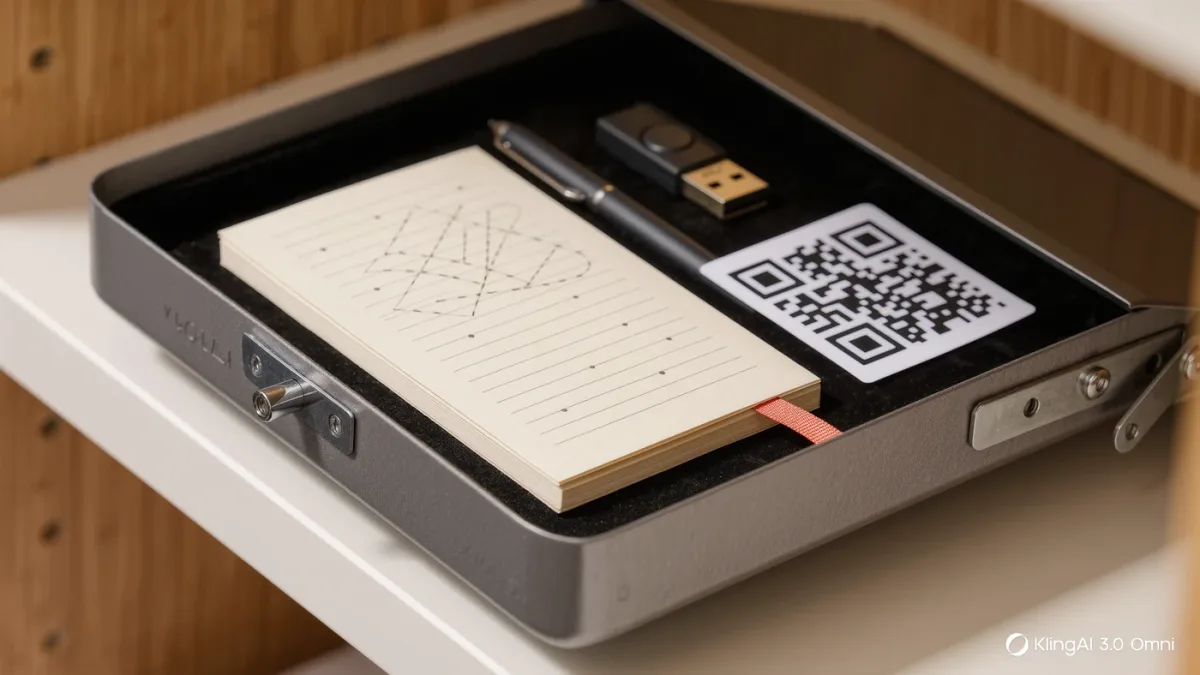
Plan it before you need it. The documented pieces: an emergency kit — the master password and account-recovery code, printed and stored somewhere physically safe, the same place as your passport's photocopy; a trusted emergency contact feature, which several managers offer, allowing a designated person to request vault access that activates after a waiting period you can cancel; and exported backups, since most managers support export, letting you keep an encrypted offline copy on a removable drive you control. These three together convert lockout from catastrophe into inconvenience. None of them weakens the vault's security; they operate around its edges.
What happens when a password manager itself gets breached?
The documented answer distinguishes layers. Incidents at major managers — including the widely covered 2022 breach at LastPass — showed attackers obtaining vault ciphertext and, in that case, some customer metadata; the security consequence for strong master passwords was minimal because the encryption held, while weak master passwords were exposed to offline guessing. That is the zero-knowledge design doing its job under attack, and the practical lesson is the same as the marketing-free version of all password advice: the vault's encryption is strong; your master password's resistance to guessing is the part you personally supply. Agency guidance on using reputable, audited managers has not changed through these incidents.
FAQ
- Is it safe to put everything in one password manager? The single-vault risk is real but the design mitigates it: zero-knowledge encryption means the vendor holds unreadable ciphertext, and strong master passwords survived even documented vendor breaches. The alternative — reuse and weak memorized passwords — is the documented path to account takeover.
- Should I use my browser's or phone's built-in manager? Yes, if it keeps you on unique passwords; the built-ins are capable per their documentation. Third-party managers earn their fee mainly through cross-ecosystem use, sharing, and portability.
- What's the master-password advice? Long passphrase, unique, memorized once — and recorded on paper in a safe place as part of an emergency kit with the recovery code.