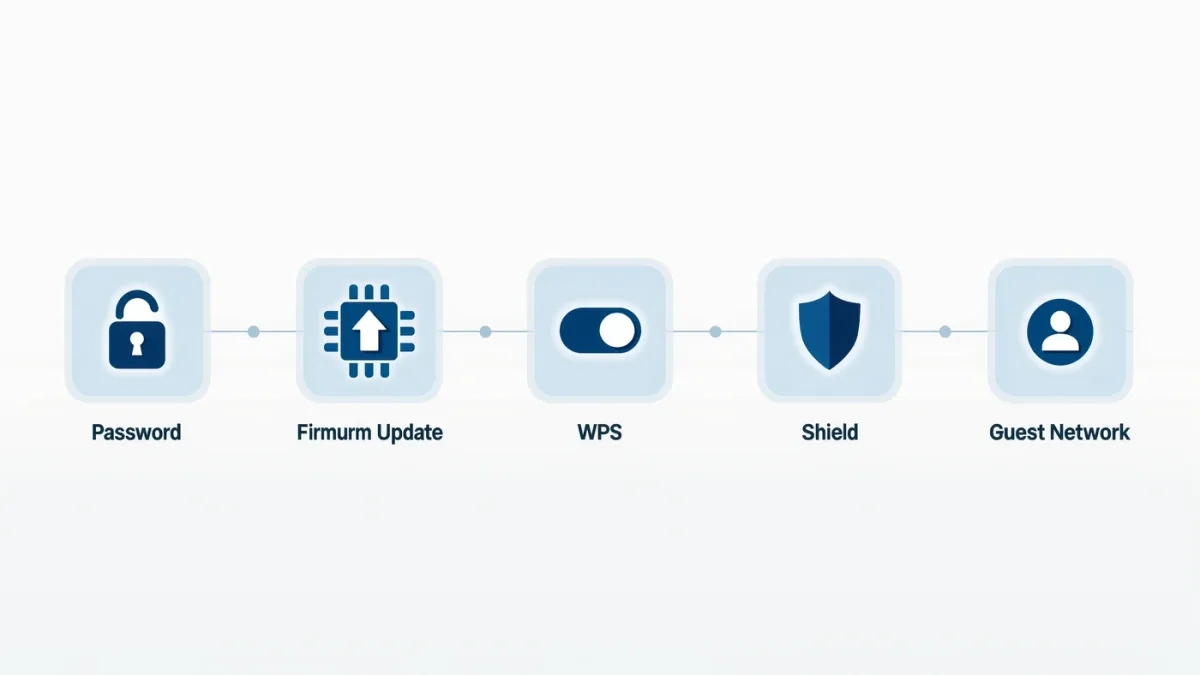

The single most repeated request in public cybersecurity guidance — update your software — exists because most successful compromises exploit vulnerabilities that were already known and already patched: CISA's own analysis of top routinely exploited vulnerabilities, published with international agency partners, shows year after year that older, fixable flaws dominate real-world attacks, which makes timely updating the cheapest security control that exists. The habit that closes the gap: automatic updates enabled everywhere they exist, a weekly-or-so rhythm for what doesn't auto-update, and special urgency for anything internet-facing — routers, primarily, the neglected device in every home that agencies single out by name.
RechargeMe publishes information, not security advice for your specific systems. Claims below follow published guidance from CISA and partner agencies, including their joint advisories on routinely exploited vulnerabilities.
What's the documented problem?
The exploit-the-old pattern. CISA and its international counterparts publish recurring advisories listing the vulnerabilities most exploited in the wild, and the recurring finding is that attackers overwhelmingly use flaws for which patches already exist — often for years — while novel zero-days, the movie version of hacking, are a small minority of actual incidents. The economics explain it: scanning the internet for unpatched systems is cheap and automated, patches are public knowledge, and organizations and households that delay updates remain harvestable long after fixes shipped. Routers deserve their special mention in the advisories: consumer network gear, rarely patched, rarely replaced, internet-facing by definition — the soft front door of the home network.
What should update automatically?
Everything that offers it, per agency guidance — the controls exist and are documented across platforms. Operating systems: Windows, macOS, iOS, Android all support automatic updates for the system itself; verify the setting rather than assume, since feature-update deferrals can silently pause security fixes. Browsers: the most-attacked software on any machine, and all major browsers auto-update — leave them on, restart when asked. Apps, especially the high-value targets: password managers, messaging apps, anything handling payments. Phones: the update setting, on. And the forgotten tier: routers, smart-home devices, printers, anything with a web admin page — the gear that never nags you, which is exactly the problem; put its firmware checks on a calendar reminder a few times a year, because almost none of it auto-updates.
| Layer | Auto-update? | Your job |
|---|---|---|
| OS and phones | Yes, available | Verify it's on; restart when asked |
| Browsers | Yes, default | Don't defer restarts forever |
| Key apps | Mostly | Check store settings |
| Routers and smart devices | Rarely | Calendar reminder; check firmware |
What about update fear?
The documented hesitation — updates break things — deserves honest handling rather than dismissal. Bad updates happen; vendors have shipped them, and the fear isn't invented. The weighing that agency guidance lands on, though, is lopsided: the expected cost of a delayed patch (being among the harvestable, in a world of automated scanning) exceeds the rare cost of a bad update, and there are hedges that keep most of the safety without the exposure: let auto-updates run but keep restorable backups — which guidance recommends anyway — so a broken update is an inconvenience rather than a disaster; delay major feature upgrades a few days if you're cautious, while letting security patches through promptly (platforms increasingly separate the two streams); and for anything business-critical, the staging pattern IT departments use — test, then roll out — scaled to your size.
How did AI change this picture?
Two documented directions, one for each side. Defense: AI-assisted vulnerability discovery and patching tooling has entered vendors' security workflows — the automated-fuzzing-and-fixing line of research and the coding assistants' migration into security engineering, covered in this series' coding-tools piece, are shortening the distance between flaw and fix on the good side. Offense: the same acceleration applies to attackers — exploit development, phishing quality, and the voice-cloning class of scams this series covered, all documented as AI-improved. The net effect on personal practice is a tightening clock: the window between a patch shipping and an exploit circulating has always been short and is getting shorter, which converts update hygiene from a monthly virtue into an enable-it-and-forget-it setting plus a restart habit. Set it once; the automation defends you while you sleep.
What's the minimum viable routine?
The whole habit, on one line each. Once: enable automatic updates on OS, browser, phone, key apps; verify the settings rather than assuming. Monthly-ish: restart machines that ask — browsers and OS updates finish on restart, and the pending-update state is the unpatched state. Quarterly-to-twice-yearly: the forgotten-firmware sweep — router, smart devices, printers — by calendar reminder, checking manufacturer pages or admin panels for updates, and replacing end-of-life gear that no longer receives them, since a device past support is a permanent unpatched window in your house. That is the entire program: cheaper than any security product, recommended by every agency that measures the attacks, and validated by the yearly finding that the old patched flaw, not the clever new one, remains how systems actually fall.
FAQ
- Why do security agencies keep saying just update? Because their own routinely-exploited-vulnerability advisories show, year after year, that most compromises use already-patched flaws — patching is the cheapest control with the largest documented effect.
- Should I enable automatic updates? Yes, per agency guidance, with restorable backups as the hedge against the rare bad update — the expected cost of delaying patches exceeds the rare cost of a broken one.
- What devices get forgotten? Routers, smart-home gear, printers — internet-facing devices that rarely auto-update and never nag. A twice-yearly calendar reminder for firmware checks is the fix.